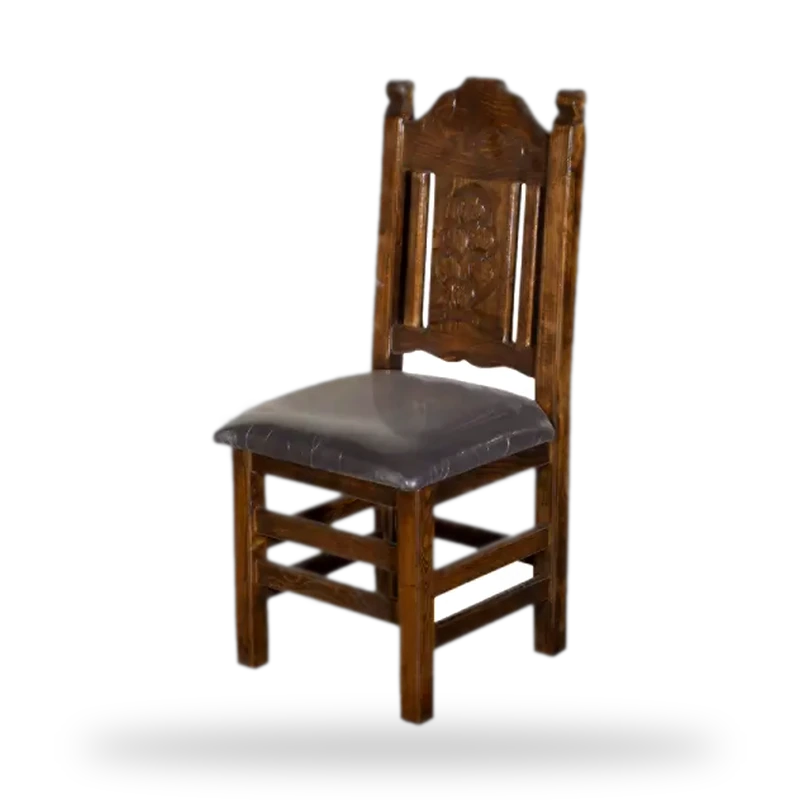
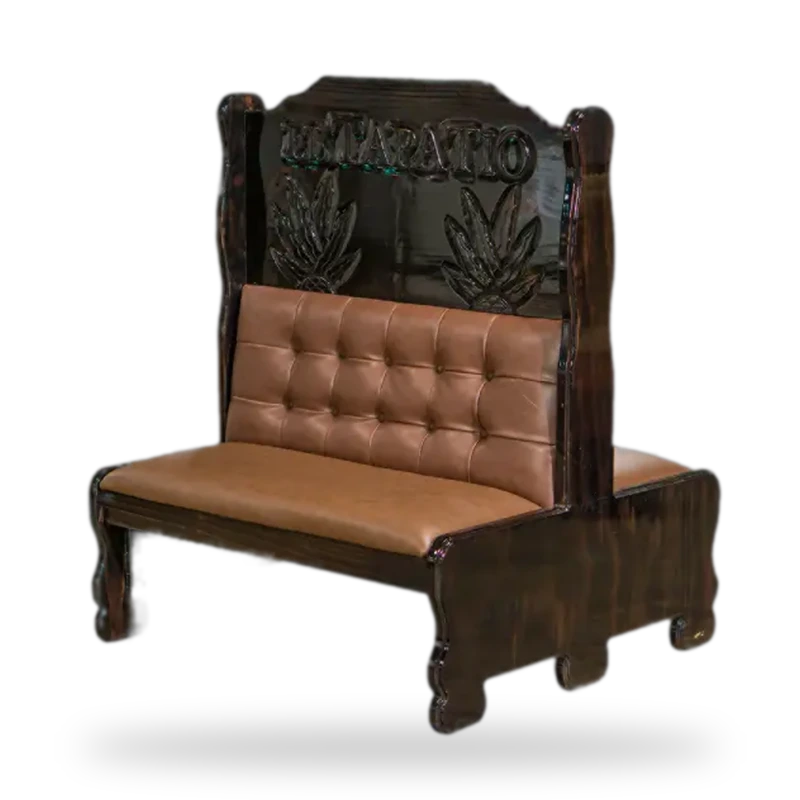
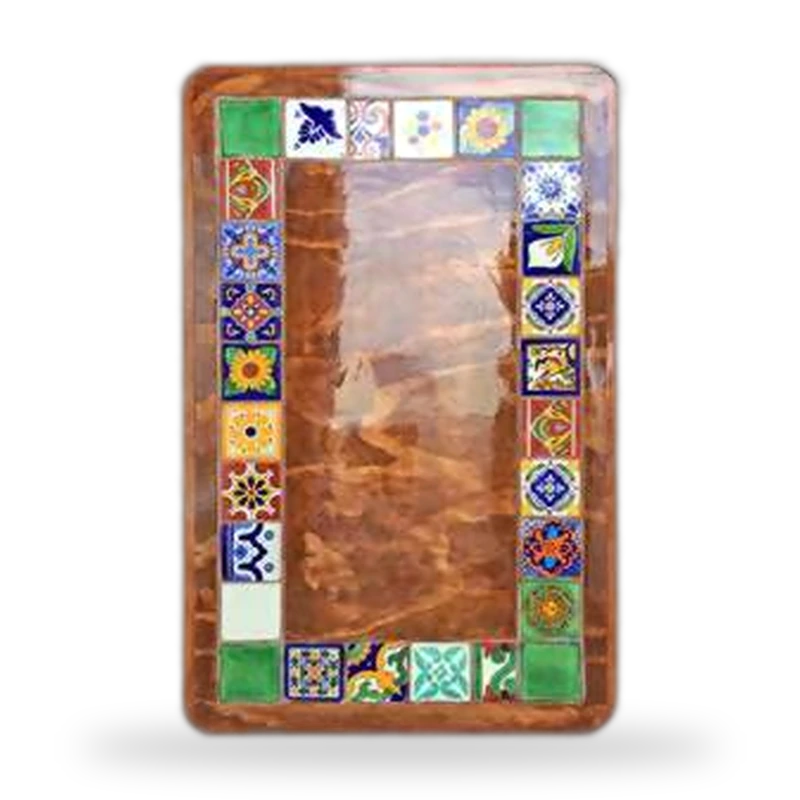
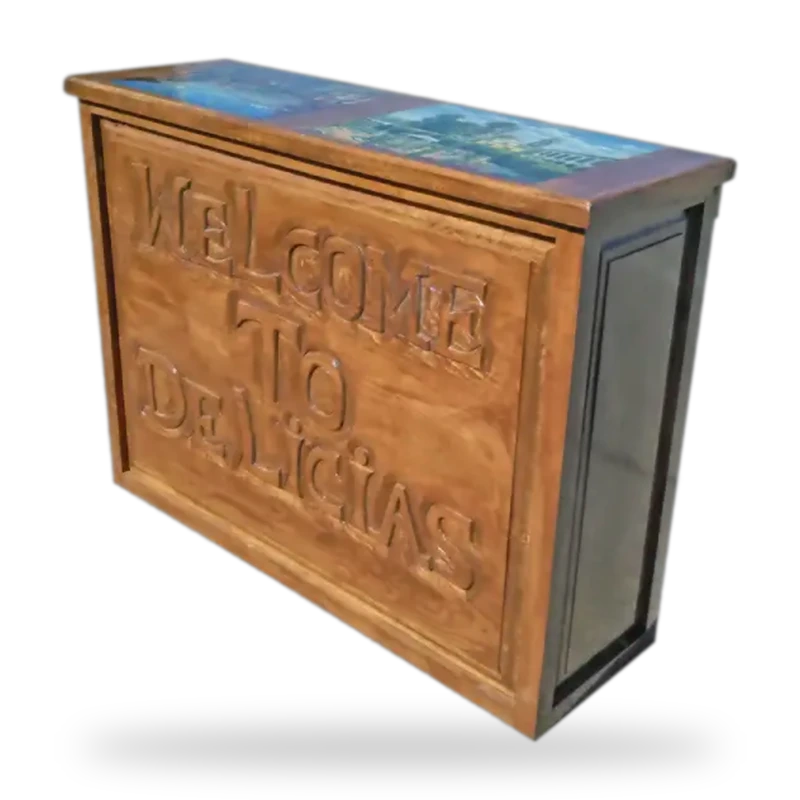









Choose your furniture
Real furniture from our catalog. Mix up to 6 different models.
Quantities and colors
How many pieces of each, and in which vinyl and stain. These are the same colors we manufacture.
Add booths, chairs or tables in step 1, then choose how many and which colors here.
Your restaurant's atmosphere
The palette colors the walls, textiles and decor; the furniture keeps the colors you picked.
FAQ
FAQ
Is the furniture in the render what you actually build?
Yes. Every render starts from real photos of the furniture you picked, in the vinyl and stain you chose. The AI places it in a dining room; the shape, carving and finish come from our own photos and factory samples.
Is the layout in the render my actual floor plan?
No. The AI suggests a realistic layout using your quantities, but it doesn't know your room's measurements. To fit tables and booths to your floor plan, use the layout planner and the capacity calculator.
How much does it cost, and how many renders can I make?
It's free and no sign-up is needed. You can generate up to 4 renders a day; if you need more versions, one of our advisors will put together a visual proposal at no cost.
Are the on-screen colors exact?
They're a close approximation: every screen shows color a little differently, and the lighting in the render shifts the tones. Before a large order we send you physical vinyl and wood samples free of charge.
How do I go from the render to a quote?
Use the “Quote this combination” button: it adds every piece, with its quantities and colors, to your cart, and you request an estimate with freight to your state included.
Like how it looks?
An advisor reviews your selection, confirms sizes and production times, and sends you physical samples of the colors.